
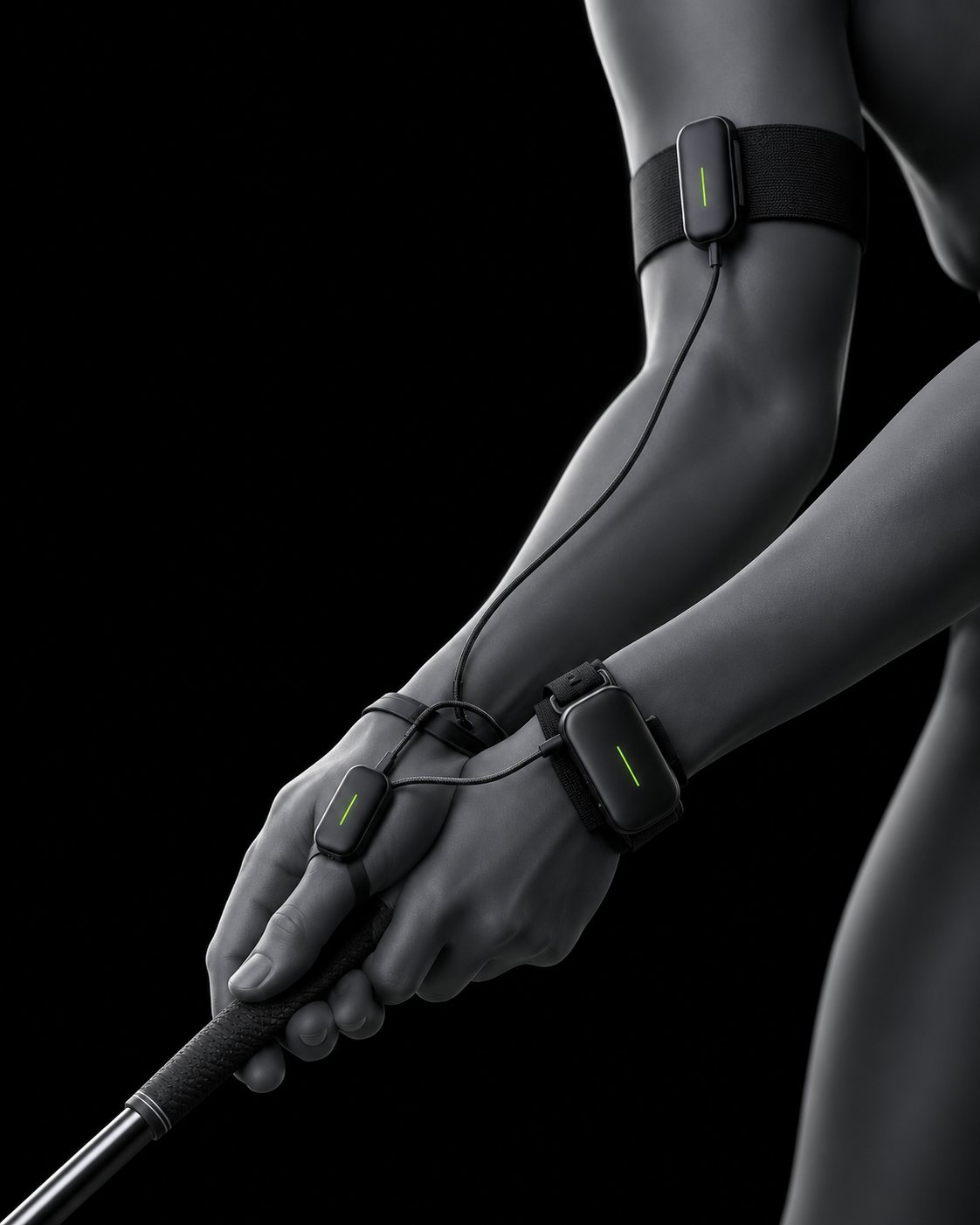
AXYS Kinetics G1
Sensors on the arm.
Coaching on the screen.
Eight screens for the G1 training app. Tap through the live prototype: every button has a pressed state and a haptic cue.
Live prototype · tap, drag the swing scrubber, open the menu
01
All eight screens
Battery status and the menu sit on every screen. Click any screen to open it in the prototype.
02
Clicked / pressed states
Each press does three things: the control sinks, the colour deepens and a haptic pulse fires from the touch point.
Default
Pressed
Disabled
Primary
Secondary
Icon / play
TickEvery press. 10 ms light tap.
Double pulsePosition matched in calibration, shot registered.
Long buzzFault detected or sensor link lost.
Try it
03
Design system
The supplied black, white, grey and green, built out into surfaces, states and signals.
Brand colours (supplied)
Built out
Type
KINETICS
Top of backswing
3.1 : 1 88
Signals
On planeWatchFaultHand path